Curio Robotics · 3D electronics lab
Learn electronics by taking the board apart.
Spin real development boards in 3D, name every chip and pin, rebuild them from parts, then wire circuits that actually run. All in your browser.
- Power
- Ground
- Digital
- Analog
- Bus
- Control

Every pin position measured and modelled in 3D
01 · The boards
Eight boards on the bench.
From your first blinking LED to a Linux computer. Every board comes with a 3D model, a lesson, a parts quiz and a build-it-yourself exercise.
02 · Anatomy
Know every part by name.
Turn on labels and every chip, connector and header gets a number. Pick one to see what it does, where it connects and what to watch out for.

-
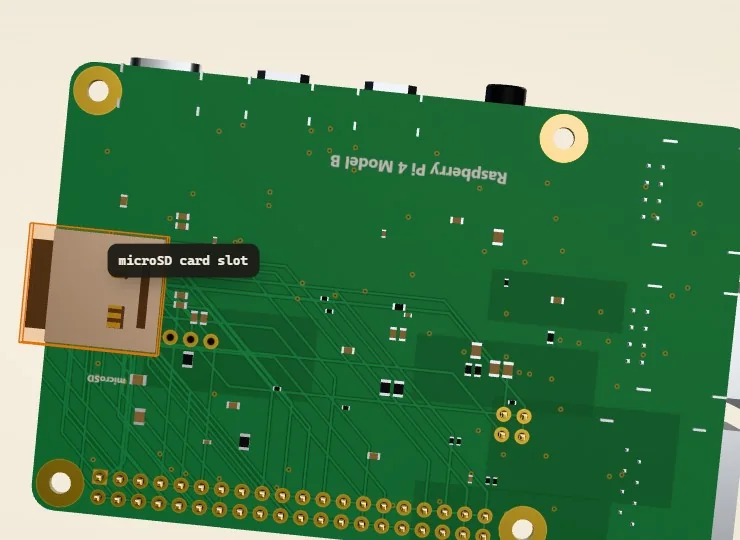
Flip it over
Parts hide on the underside too. Turn any board over to find the microSD slot, the USB bridge or the test pads.
-
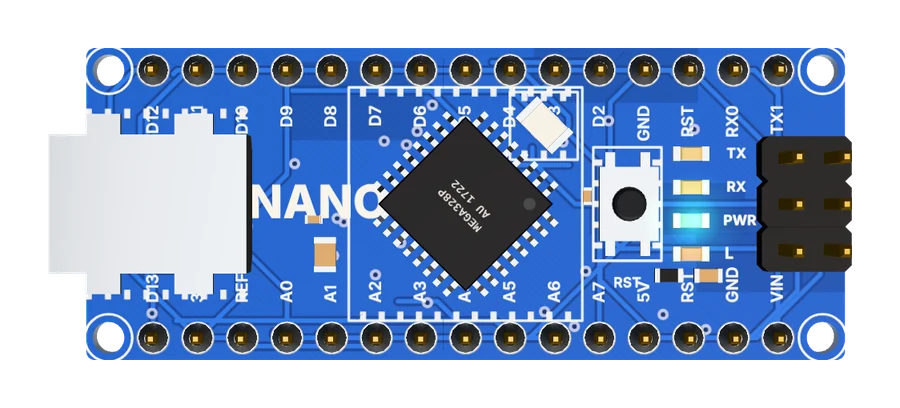
Find the part
A six-question quiz: read the clue, then click the matching part on the 3D board. Hints cost you, skips show the answer.
Try the Uno quiz -
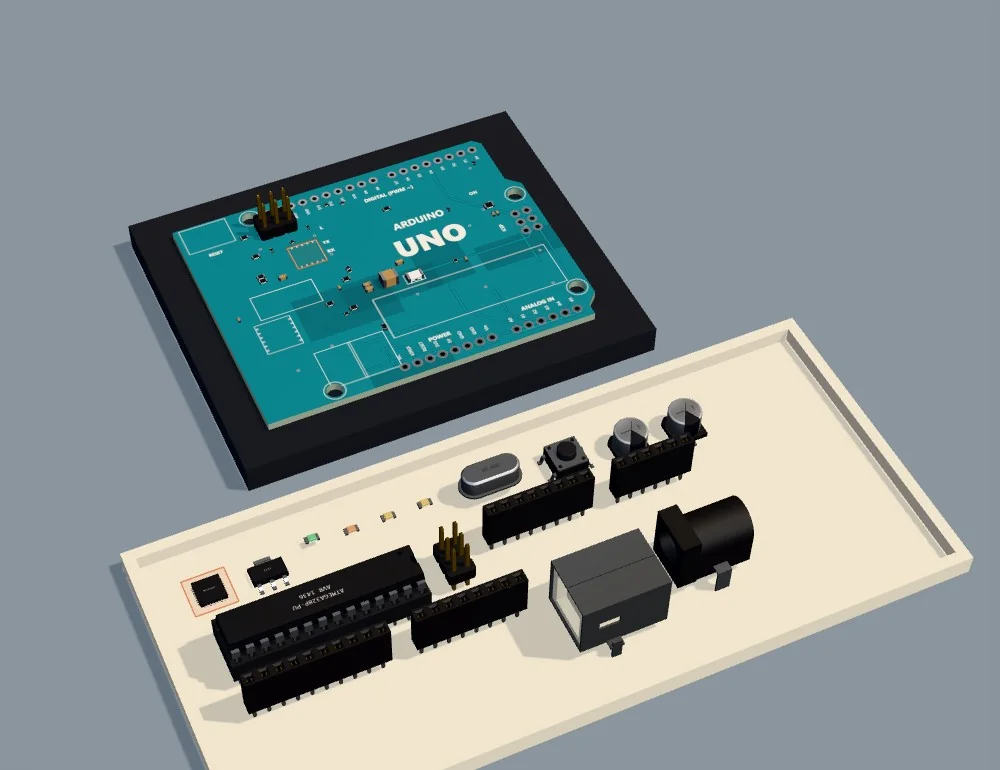
Assemble it
Pick every component from the tray, place it on the bare board and hold to solder it, against the clock.
Rebuild an Uno
03 · The workbench
Wire it. Run it. Watch it work.
Drop boards and modules on a virtual anti-static mat, join them pin to pin and press Run. Every wire is checked against real electrical rules, so a mistake gets explained instead of burning out a part.
-
Guided missions
Step-by-step wiring with a reason for every connection, plus “Wire it for me” when you are stuck.
-
Real electrical checks
A 5 V signal into a 3.3 V pin, a missing ground or a short is caught and explained in plain words.
-
Code and serial monitor
Read the sketch that runs each circuit and watch its serial output while it runs.
The parts bin · 14 modules
04 · Missions
Eleven guided builds.
Start with one LED and finish with a two-board robot. Each mission takes three to fifteen minutes, and a free-build sandbox is always open.
05 · Who it's for
A full lab for anyone with a browser.
-
Students
Learn what every part does before you buy a single board, and practise until wiring feels obvious.
No install
-
Schools and teachers
A lab for every student at once: no kits to lose, no parts to break, and the same boards in every lesson.
No account
-
Makers
Plan a circuit, check the voltages and test the logic before you pick up the soldering iron.
Runs on a laptop or tablet
